Price before render
The credit line updates when you change model, length, or quality.
Write a visual prompt and generate an image online. Pick the model and aspect ratio, then download the picture when it is ready.
The credit line updates when you change model, length, or quality.
Switch providers in the menu without leaving the prompt you already wrote.
Video, stills, and audio drafts draw from the same credit balance.
The file is listed with your account after the job finishes.
Start from a visual brief. Aspect ratio is chosen up front so the file matches the layout you need. If the price looks high, shorten the job or pick another model before you press Generate.
Start Text to Image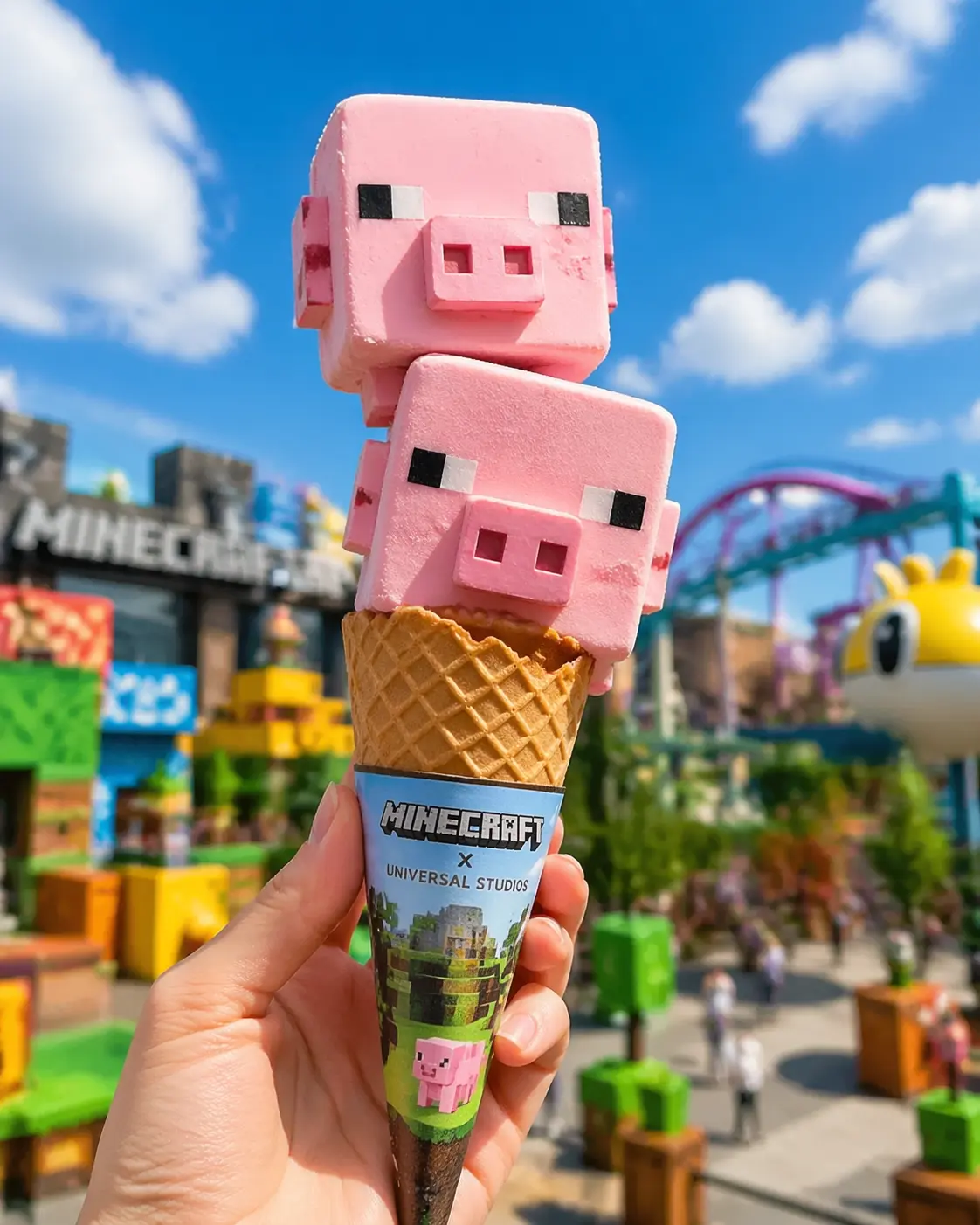
The text stays put while you try another length, ratio, or provider. That is useful when the first a still image has the right idea and the wrong framing.
Edit Text to Image OptionsThese clips show pacing and framing. They are references, not a promise that your prompt will match them frame for frame.
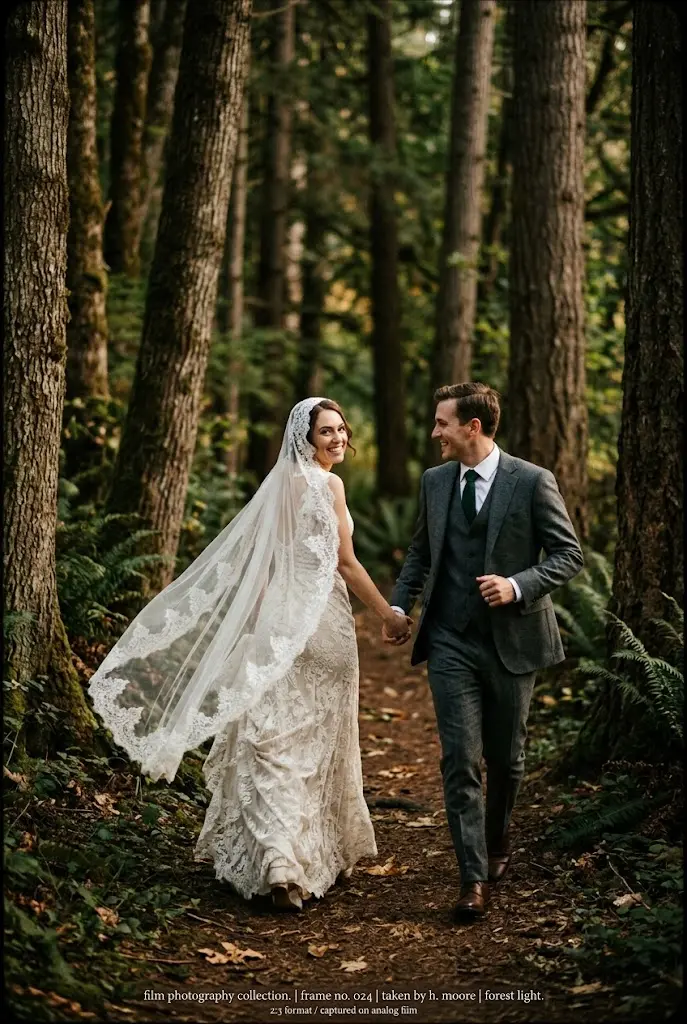
A short take used to judge motion before a longer render.
A closer frame for checking faces, products, or instruments.
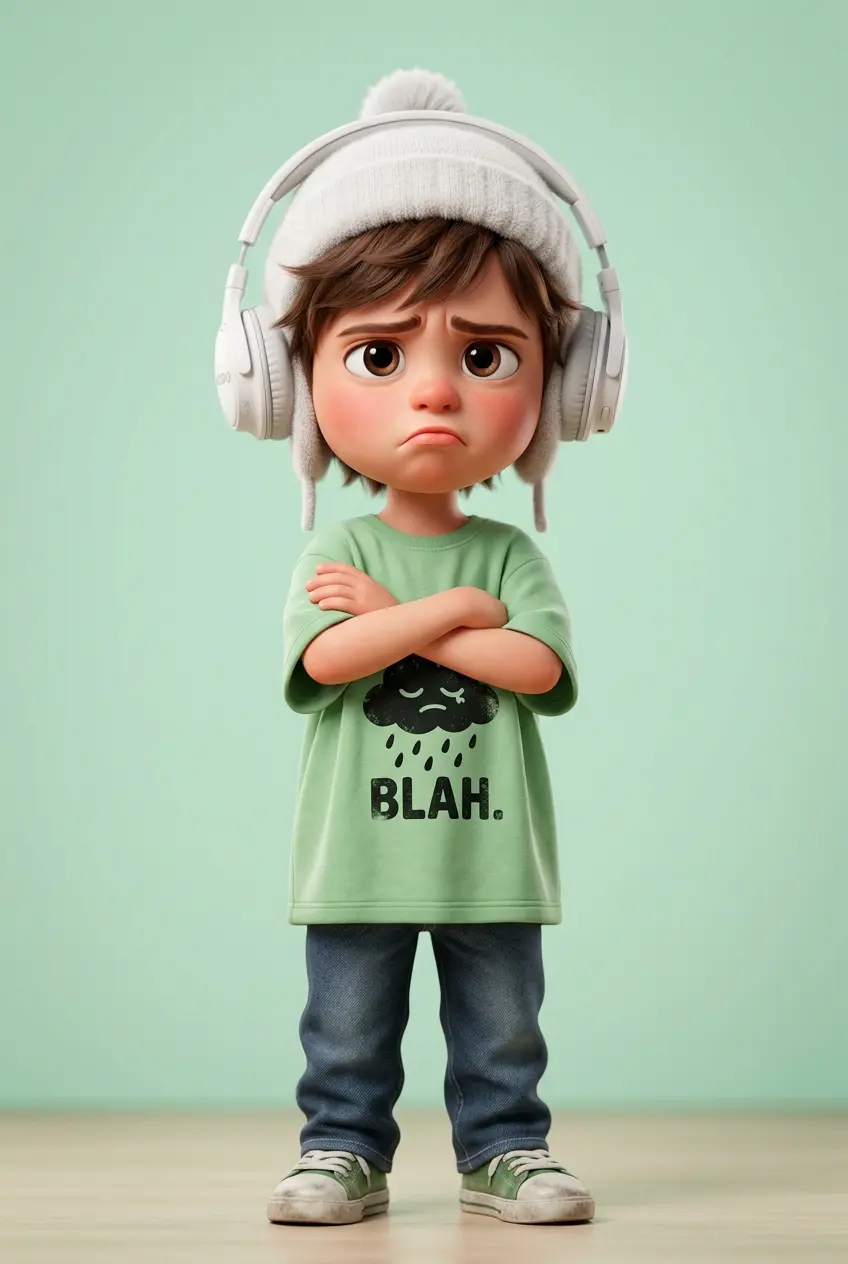
A steadier shot for titles, landscapes, or room tone.
Three checks before the queue: the brief, the model settings, and the credit price.
Describe a visual brief. Name the subject, the place, and what changes during the shot.
Aspect ratio is chosen up front so the file matches the layout you need. If you are testing, keep the job short.
When the status clears, download a still image or open it later from your profile.
These notes come from how this form is built, not from a generic checklist.
A single person, product, or place is easier to follow than a crowded list of ideas.
Add the action in time order: enters, turns, lights shift, chorus hits.
Vertical for a phone cut, wide for a page header or a slide.
Confirm the look on a short setting before you buy a longer render.
People on this account use the output as a draft asset, then finish the edit in their own tools.
A rough visual for a meeting before anyone books a shoot.
A short loop behind a headline on your own site.
A look-dev clip you can replace later with footage.
A first version sized for the feed you actually post to.
Yes. The credit number beside Generate follows the model, length, and quality currently selected.
It is stored on your profile. You can also download it from the preview when the job succeeds.
Yes. The model, length, and ratio stay as they are while you edit the text.
Put the subject in the first line, remove extra scenes, and run a shorter test before a longer one.
No. This account uses one balance for those jobs.